



BillionaireSpins App
The BillionaireSpins App lets you use our casino in your browser, so you don’t need to download anything. Our site adjusts to your screen. It works smoothly on a phone and on a laptop.
The layout stays clear on smaller displays. Buttons are easy to tap, and you don’t need to zoom in. For example, you can open a live table game on your phone during a break. Later, you can continue on your desktop with the same account. We also use standard security measures to help protect your data while you play.



Key Features
With the BillionaireSpins App, we make our casino easy to use on any screen. Pages load quickly, and the main buttons stay where you expect them, so you don’t have to dig through menus. On a phone, you can scroll through slots and start a game with a few taps. For example, you can open a tournament page and join it in a few taps. Then you can go back to your favorite slot right away.
Large Game Library
Our collection includes thousands of slot games, from simple classic reels to modern video slots with bonus rounds. If you like table games, you can play blackjack and roulette. We also offer live games, where you play with live dealers on camera. For quick sessions, you can try crash-style games and instant-win formats.
User-Friendly Interface
We keep the BillionaireSpins interface easy to understand, even for first-time players. You can open the game lobby in two taps. You can also reach your account just as fast. Categories are clear, and the search bar helps you find a game by name. For example, type “roulette” in search and pick a table. You’re ready to play right away.
Generous Rewards
We offer a welcome bonus and regular promos for our players. New users can claim up to €1,500 and 250 Free Spins, based on the current deal and your Deposit. In the Promotions section, you can also find reload offers and tournament prizes. For example, you can join a weekly promo and earn a reward after you meet the rules.
Customer Support
You can reach our support team 24/7 by live chat or email. We solve technical problems and answer questions about games or promotions. We also help with responsible play settings. Example: if a game won’t load, message us in chat and we’ll guide you step by step.
Advanced Protection
We protect your personal and payment details with strong encryption and secure payment tools. Our website uses SSL, which encrypts the link between your device and our site. For example, when you log in or make a Deposit, SSL helps keep that data private.
BillionaireSpins Casino Android
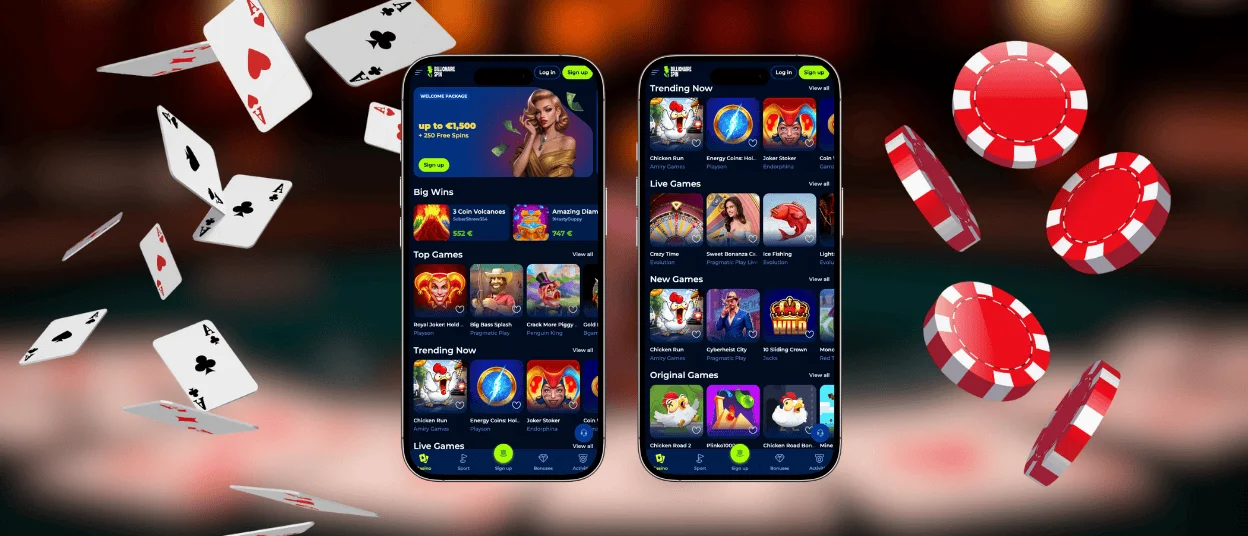
Use the BillionaireSpins App experience on Android through your mobile browser. You don’t need to install anything. The page fits your screen and the controls work well for tapping.
How to start playing on Android:
- Open the BillionaireSpins website on your phone.
- Tap Sign up (or Sign in if you already have an account).
- Enter your email and create a password.
- Open your inbox and confirm your email from our message.
- Make a Deposit with the payment method you prefer.
- Pick a game and play.
Want faster access? Add BillionaireSpins to your home screen. Tap the browser menu or Share, then choose Add to Home screen. Next time, open it with one tap, like a real app icon.
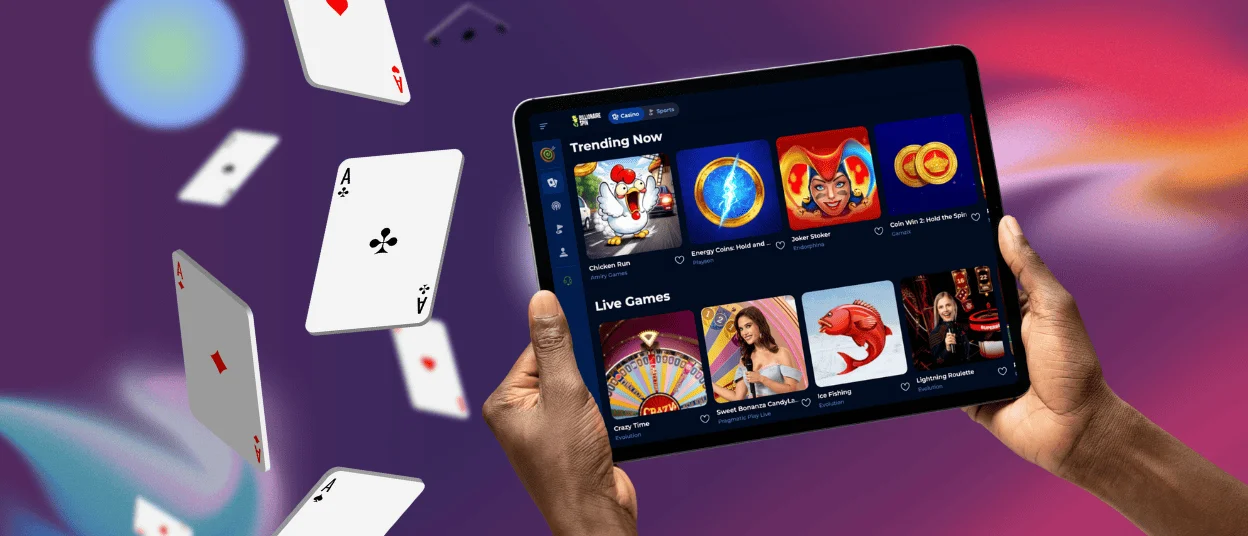
BillionaireSpins Casino App for Your iOS Device
Use the BillionaireSpins App experience on iPhone or iPad through Safari. You don’t need to install anything. The site fits your screen and feels smooth on iOS.
How to start playing on iOS:
- Open Safari and visit the BillionaireSpins website.
- Tap Sign up or Sign in.
- Enter your email and set a password.
- Confirm your email from the message in your inbox.
- Make a Deposit with the payment method you prefer.
- Pick a game and play.
To open BillionaireSpins faster, add it to your Home Screen. Tap Share in Safari, then choose Add to Home Screen. Next time, tap the icon and jump straight in.
BillionaireSpins Casino Application for Windows/macOS
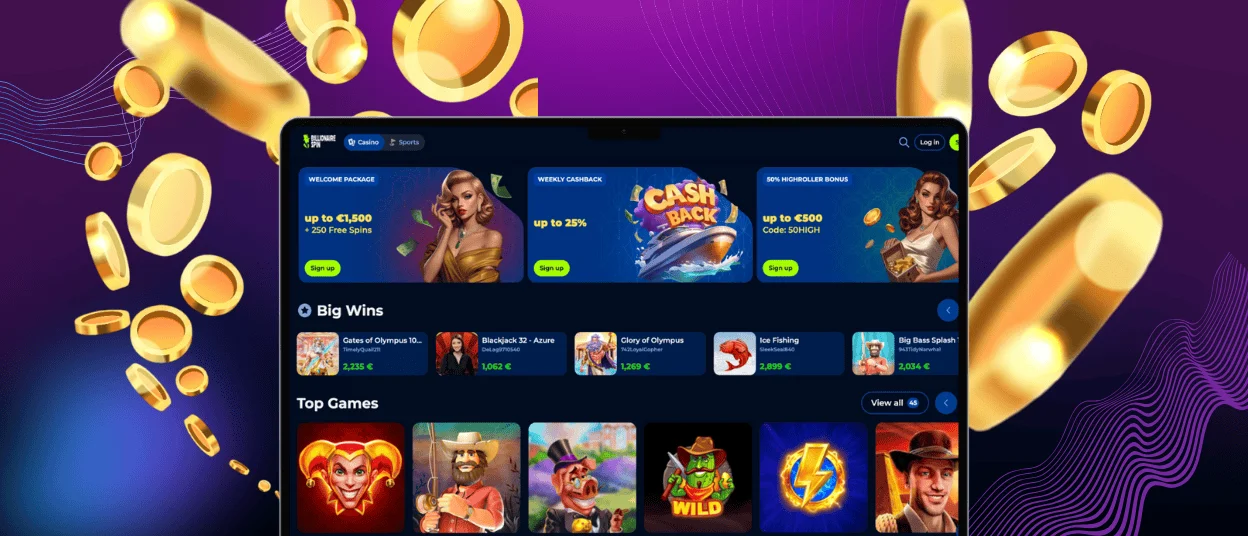
You don’t need an app on Windows or macOS. The BillionaireSpins App experience works in your browser, so you can play in Chrome or Firefox. Safari also works on Mac. The site uses the extra screen space well and responds fast when you move between pages. For example, you can keep the lobby open, choose a slot, and start a new round without delays. If you played on your phone earlier, you can log in on your computer and continue with the same account.
FAQ
Is it safe to log in and make a Deposit through the browser?
Yes. The BillionaireSpins App uses SSL and strong encryption to protect your connection. For example, when you sign in or make a Deposit, the site encrypts the data you send. This helps keep your details private.
Which browsers work best with BillionaireSpins?
You can use modern browsers on desktop, like Chrome, Firefox, or Edge. On Mac, Safari also works well. Example: if one browser feels slow, try another and reload the page.
Do I need to download the BillionaireSpins App?
No. The BillionaireSpins App runs in your browser, so you don’t install anything. Open our website, sign in, and choose a game. Example: start on your phone in seconds, even with limited storage.
Can I use the BillionaireSpins App on both mobile and desktop?
Yes. Use the same account on your phone and on your computer. Example: play a few slot rounds on mobile, then log in on desktop later to keep playing.


